
Transform your employee communication with a corporate lock screen, ensuring key messages and updates are always visible, even when the device is locked. Unlike emails that can be buried or overlooked, lock screen messages appear at a moment when the user is already focused on the display making them impossible to miss. This makes the lock screen one of the most effective locations to reinforce important messages, policies, or reminders across your organisation.


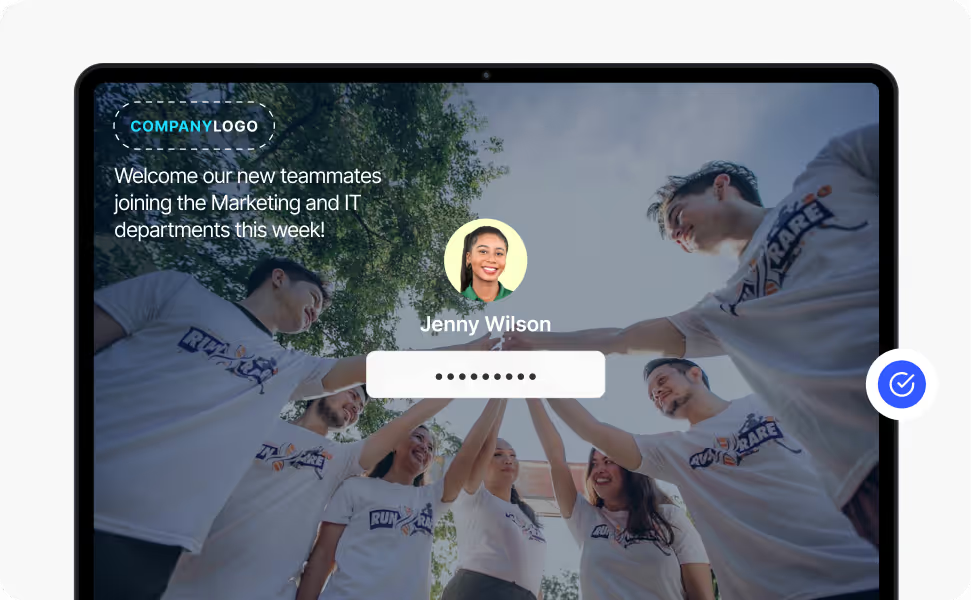


Lock screens are ideal for sharing important messages to employees that need high visibility but aren’t time-sensitive. They are the first thing employees see before logging into their computers, ensuring that important messages are viewed right from the start and multiple times a day when they return from a break or resume work after inactivity.
Lock screens can be used together with Heed’s Wallpaper and Screensavers as part of a layered communication campaign so that internal policy reminders, health and safety guidance, company values or organisational goals will reach employees consistently without overwhelming their inboxes.
Traditional Windows Group Policy can enforce static lock screen settings but was never designed for dynamic internal communications. Every update typically requires IT intervention, making timely messaging difficult.
Heed provides a Windows lock screen group policy alternative that lets authorised teams in internal communications, HR, or operations create, schedule and update lock screen content directly.
Messages can be targeted to departments, roles, or locations, ensuring the right employees see the right information at the right time, all without IT involvement.
For a full technical breakdown, see our guide to Corporate Lock Screen & Wallpaper Management
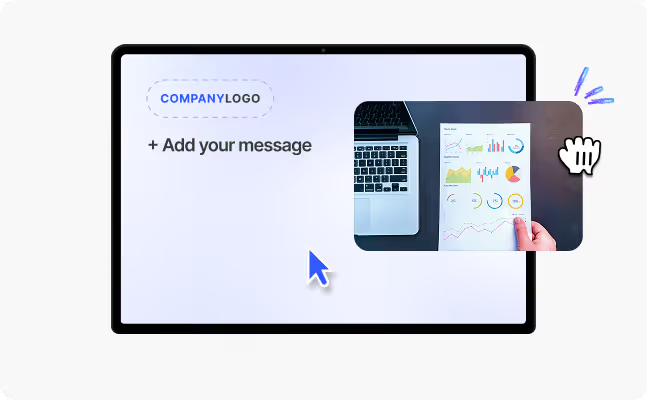
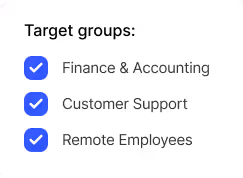
Heed makes managing corporate lock screens intuitive. Teams can quickly design visually engaging content, schedule campaigns in advance, and target messages by department, location, or role.
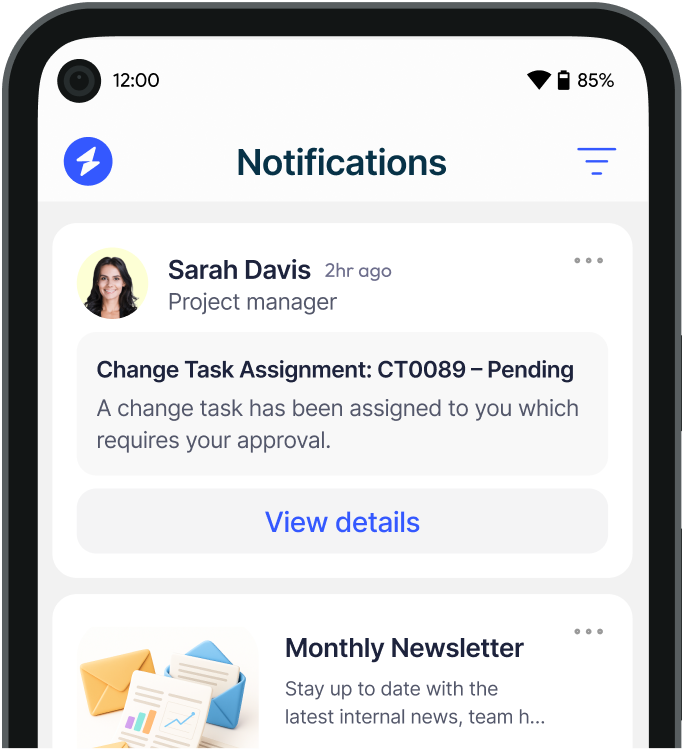
Employees automatically receive relevant lock screen content via the Heed app, creating a seamless and consistent communication experience.
This simplicity ensures organisations can adapt quickly to changing messaging needs while reducing the operational burden on IT teams.
.svg)
Real-World Use Cases

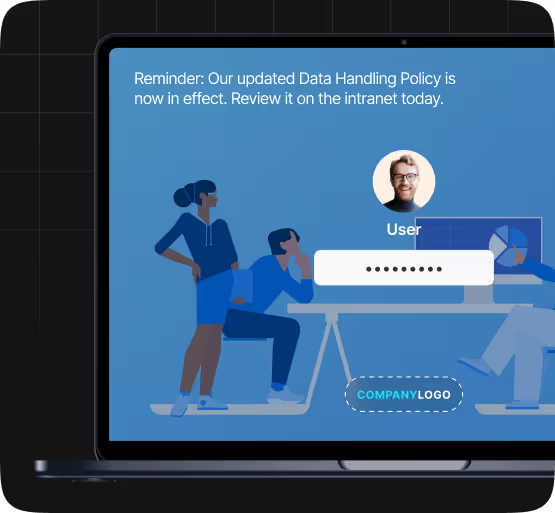
Reinforce updated policies, data handling reminders, and mandatory training deadlines without adding to email noise. Lock screen messaging keeps compliance-critical information visible across the working day - repeated consistently until it lands.

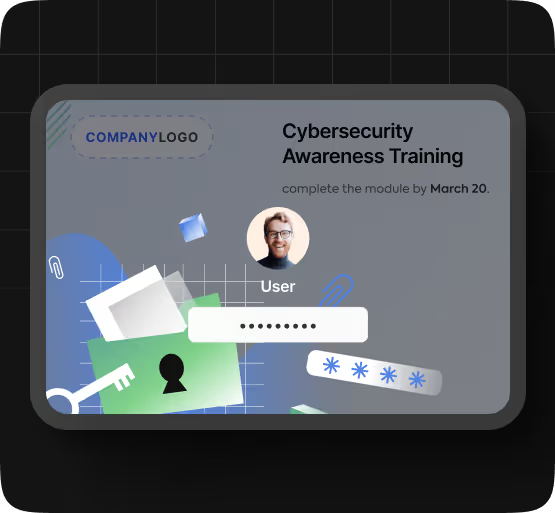
Keep secure behaviour front of mind with rotating phishing awareness reminders, cybersecurity tips, and password hygiene prompts. The lock screen is ideal for sustained awareness campaigns where repetition drives behavioural change more effectively than a single alert.

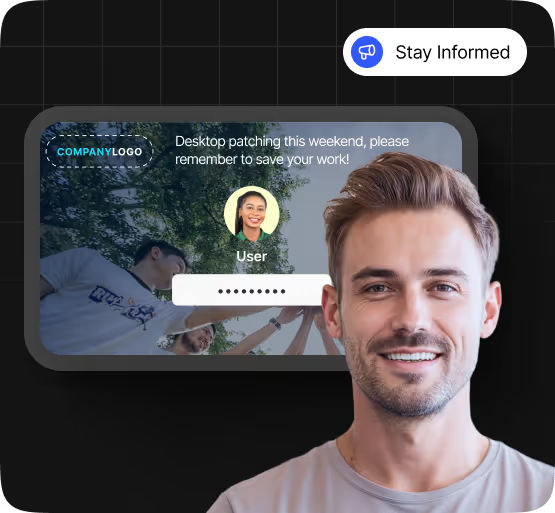
Communicate planned maintenance windows, system outage warnings, and IT change notifications through a guaranteed-visibility channel. Employees see the message the moment they unlock their screen - no email required, no IT ticket needed.
FAQ
Everything you need to know about lock screens - from how they work to how they're deployed across your organisation.




Talk to us about keeping your employees informed, engaged and inspired - book a call today!
Book a Call
Proudly connecting teams worldwide, enhancing communication, and boosting employee engagement for a unified workforce.
.svg)
.svg)
© Heed 2026 - All Rights Reserved


.avif)