
Heed’s Microsoft Teams integration brings your internal communication workflows directly into the collaboration hub your teams already use every day. Instead of switching between tools or waiting for email, critical information and updates can be delivered straight into Microsoft Teams keeping teams informed, aligned, and engaged without interrupting their workflow.
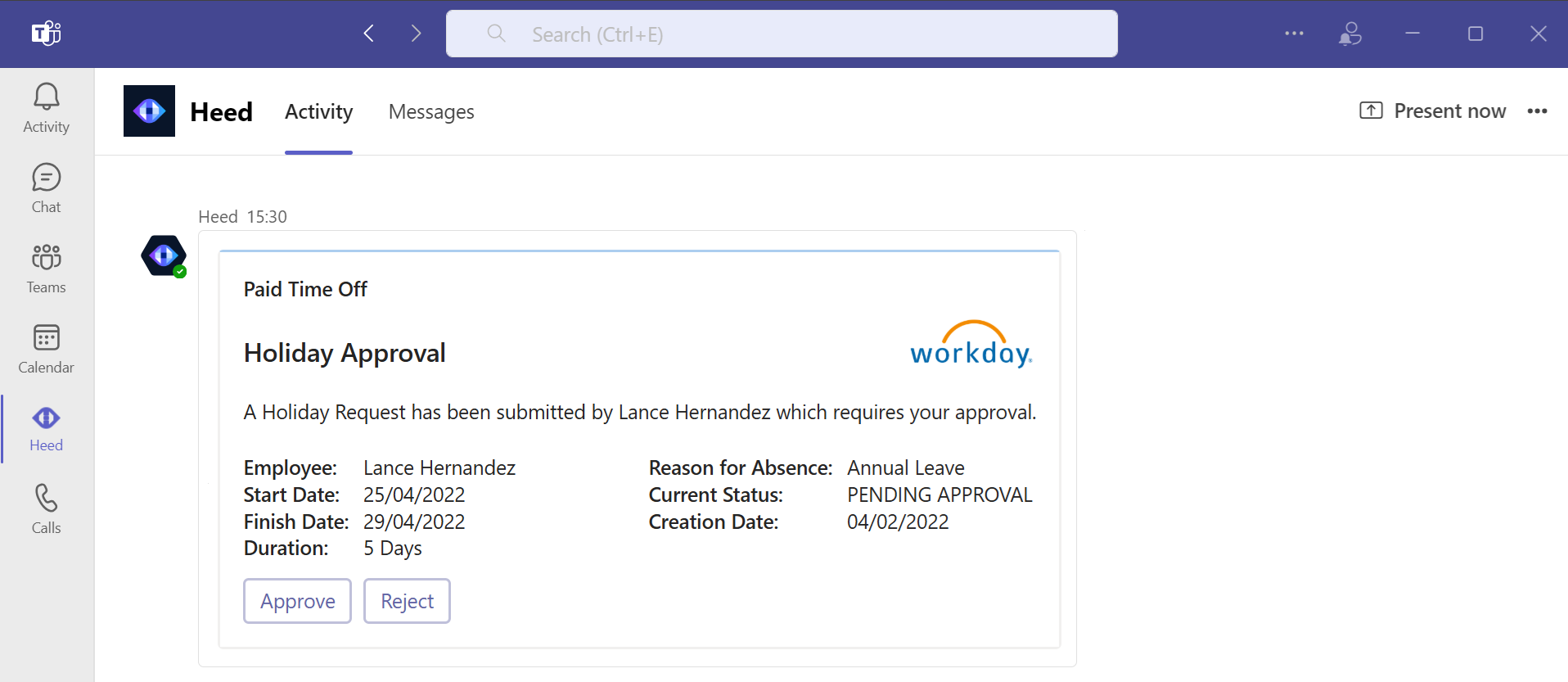



The Heed Microsoft Teams app brings all your notifications and content directly to your workspace, keeping teams informed and engaged without leaving the Teams environment.
Organisations using Heed in Teams have reported improved message visibility and faster action, especially when teams are dispersed, hybrid, or operating across multiple time zones. Because Teams is already a daily workflow hub for many users, bringing internal communication there makes internal messages visible, actionable, and top of mind.
Integrate Microsoft Teams into Heed’s omnichannel solution to deliver notifications consistently across Teams, mobile devices, and desktops. Stay connected and ensure your team is always informed.
By unifying communication channels, Heed reduces missed messages and ensures critical updates reach everyone, improving engagement and efficiency.
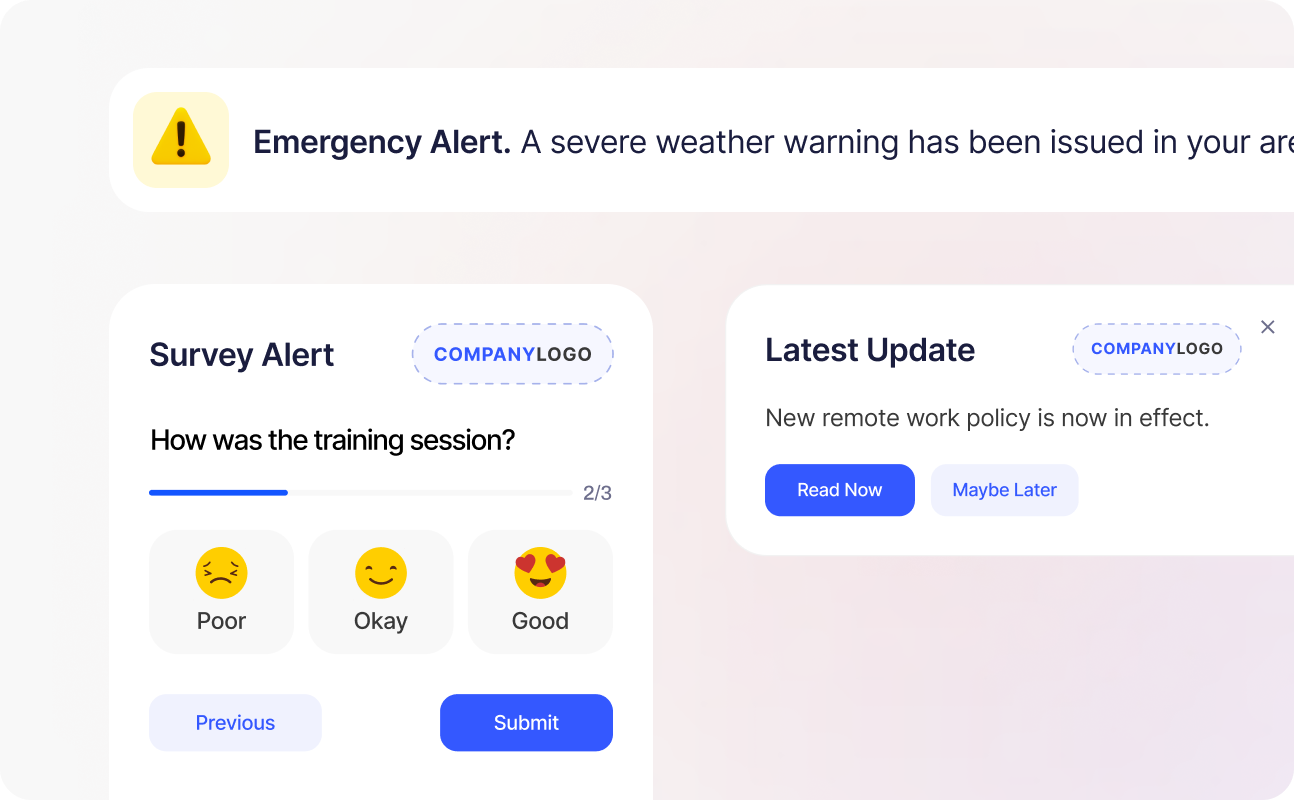
Heed integrates seamlessly with leading systems such as SharePoint, ServiceNow, Salesforce, and Workday, so you can enhance internal communication without changing the way you work. Find out more about integrating with Heed.
Schedule a Demo
Answers to common questions about Heed’s Microsoft Teams integration and how it enhances employee communication.
Get Started For Free




Talk to us about keeping your employees informed, engaged and inspired - book a call today!
Book a Call
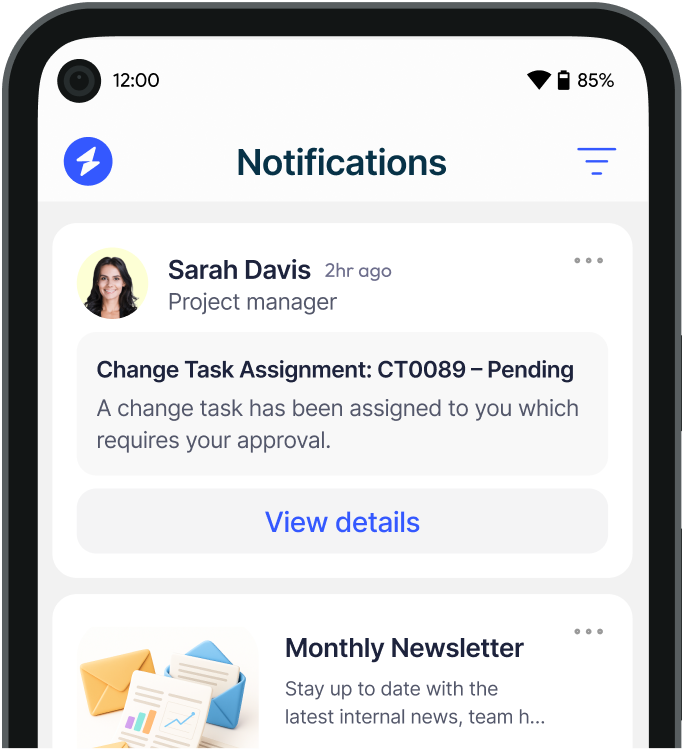
Proudly connecting teams worldwide, enhancing communication, and boosting employee engagement for a unified workforce.
.svg)
.svg)
© Heed 2026 - All Rights Reserved