Keep everyone informed with real-time updates through the seamless and non-disruptive Heed Desktop Ticker Scroll.



Desktop ticker software delivers scrolling text messages directly to employees' screens in real time - without interrupting their work. Used by internal communications, IT, and HR teams, Heed's desktop ticker ensures important updates reach every employee, every time, with zero reliance on email.
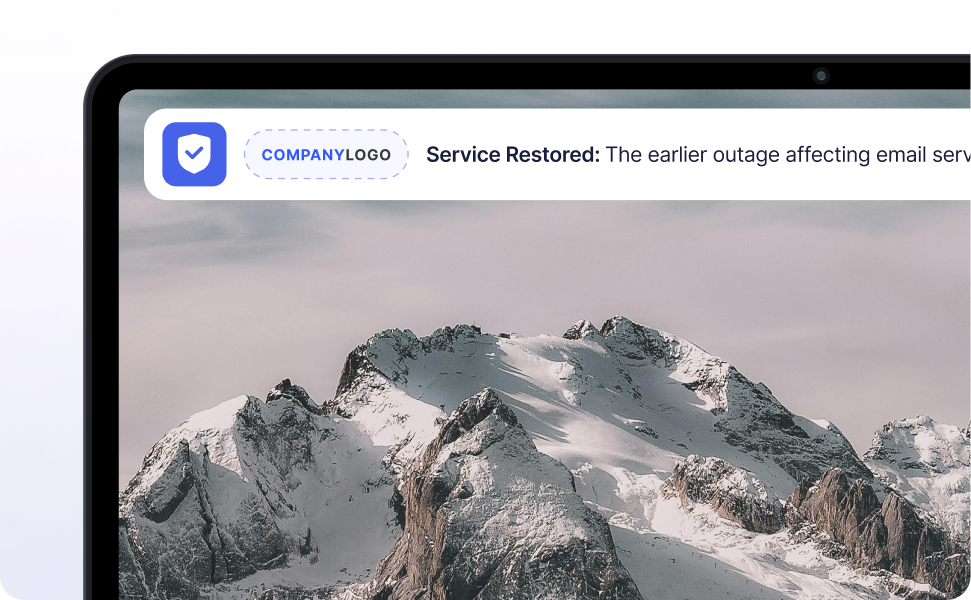
A desktop ticker is a narrow scrolling text bar displayed at the top or bottom of an employee's screen, delivering important information in near real-time without disrupting their workflow.
Unlike email - which can be ignored, delayed, or buried - ticker messages are always visible. Employees scan them naturally as they work, making them ideal for time-sensitive updates, reminders, and ongoing awareness campaigns.
Heed's desktop ticker software runs on Windows and works alongside your existing desktop environment, with no browser required and no action needed from the employee to receive messages.
Easily communicate IT alerts, security updates, company events, policy changes, project updates, and more.
Customizable and highly visible, scrolling tickers offer a non-intrusive way to bypass overloaded email systems, capturing attention with minimal disruption.
Common use cases include IT outage notifications, cybersecurity phishing alerts, HR deadline reminders, compliance updates, shift schedule changes, and company-wide announcements.



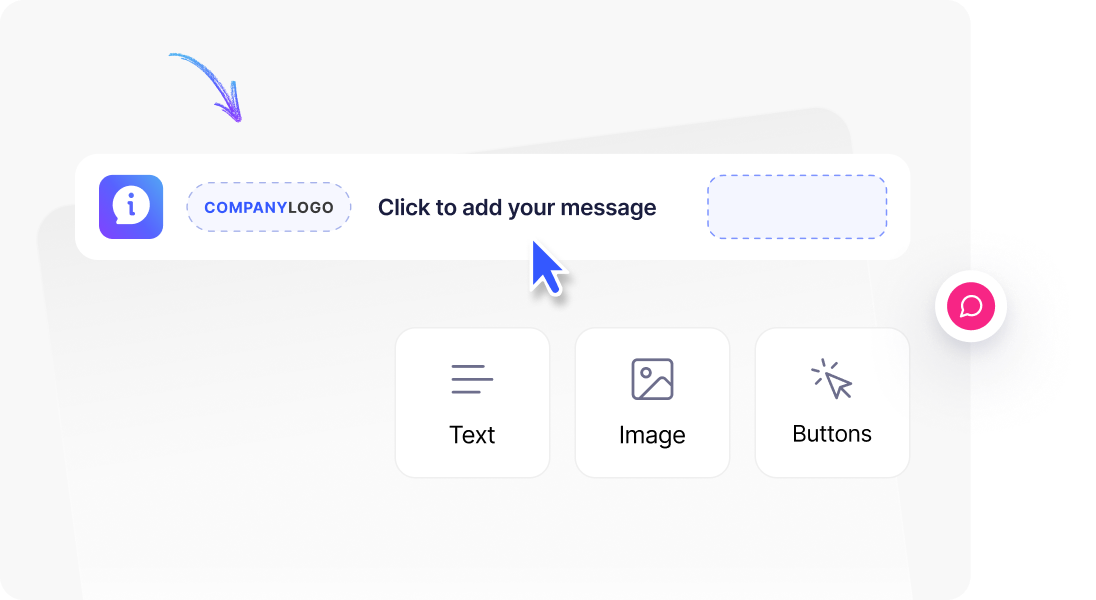


Ticker scrolls can be customised to keep your messages visible or repeat until they are read, ensuring maximum attention across your entire organisation.
Enhance your content with company branding, hyperlinks, icons, and RSS feeds for increased employee interaction - keeping messages relevant, recognisable, and easy to act on.
Heed's reporting dashboard shows open rates and engagement data for every ticker message sent, giving communications teams full visibility on what's landing. With desktop ticker software, your messages are delivered clearly, reliably, and with measurable impact every time.

Learn More
.svg)

Learn More

Learn More
.svg)
FAQ
Everything you need to know about desktop tickers- from how they work to how they're deployed across your organisation.




Talk to us about keeping your employees informed, engaged and inspired - book a call today!
Book a Call
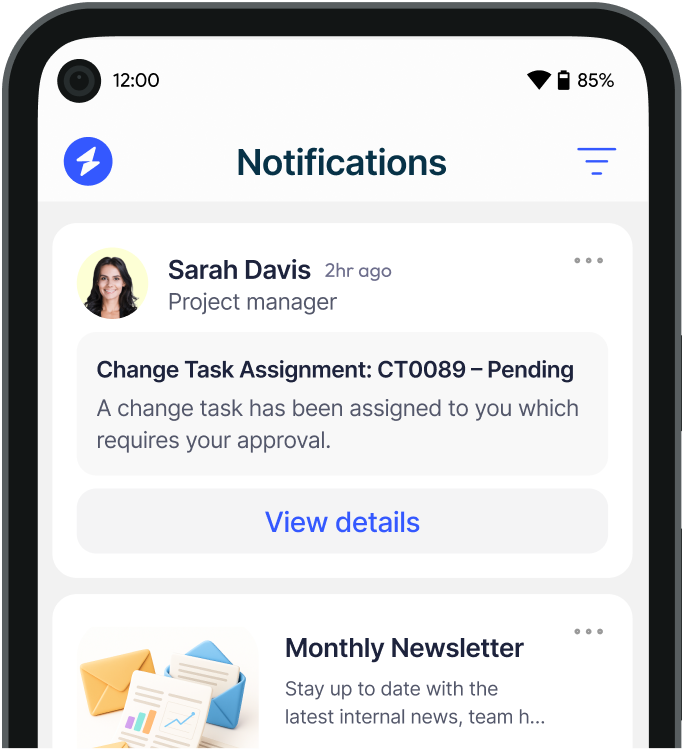
Proudly connecting teams worldwide, enhancing communication, and boosting employee engagement for a unified workforce.
.svg)
.svg)
© Heed 2026 - All Rights Reserved