

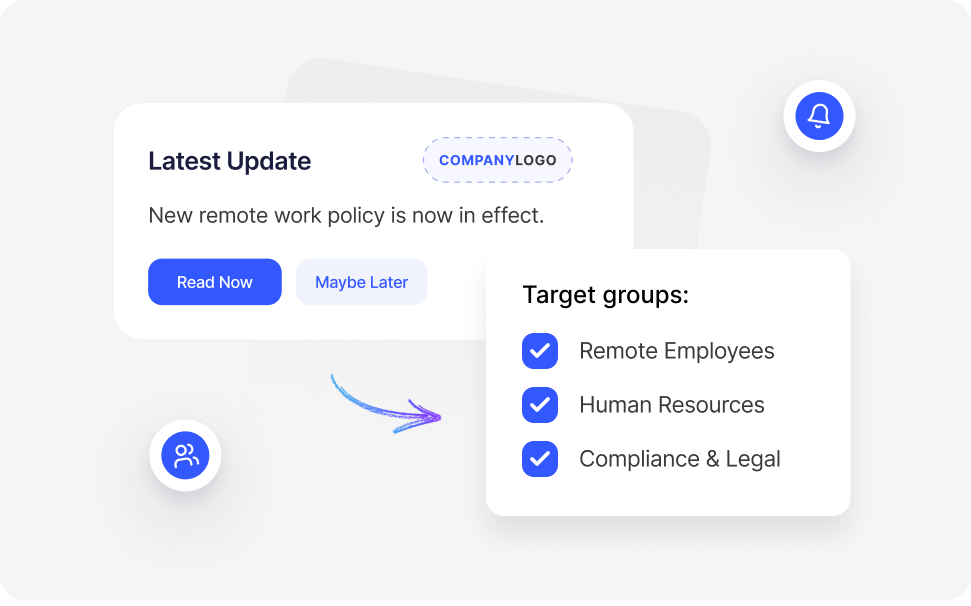
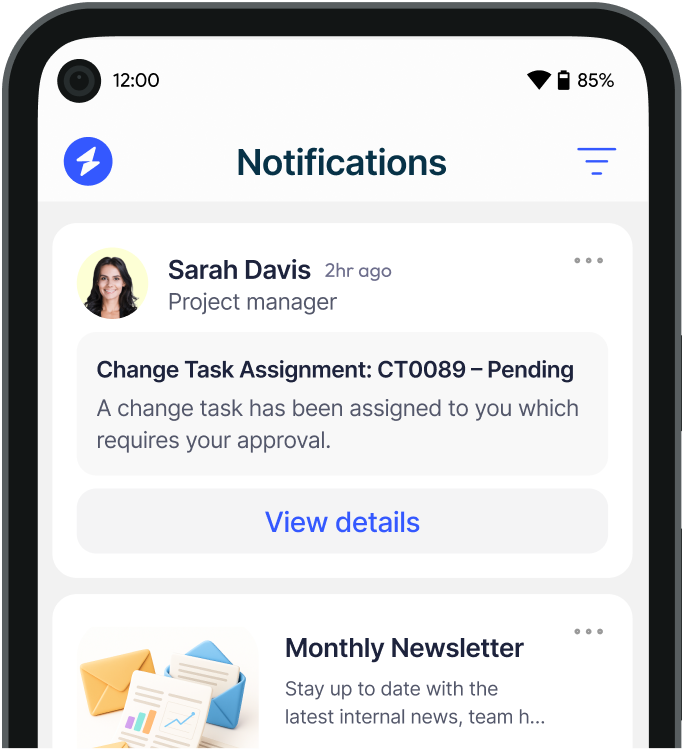
Desktop alerts allow you to send targeted messages to specific teams, departments, or individuals, with customisation and priority settings to distinguish critical updates from general announcements.
Customisation Options
- Custom branding: Add logos, company colors, and design themes.
- Template-based messages: Pre-designed templates for consistent messaging.
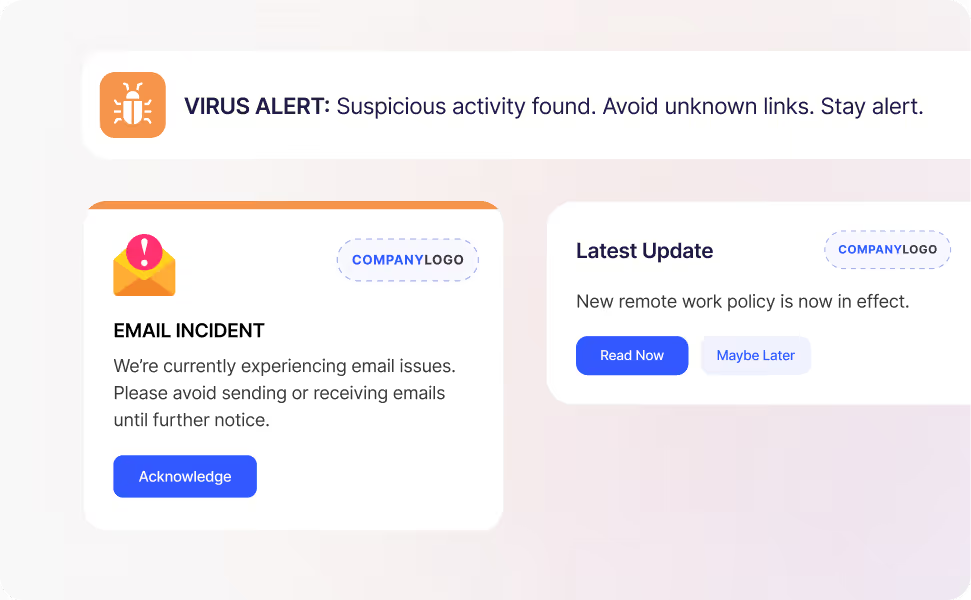
- Priority settings: High-priority alerts appear immediately and may require acknowledgment, while low-priority alerts can be dismissed easily.
- Message segmentation: Send alerts based on roles, locations, or devices.
Why This Helps
- Reduces alert fatigue by ensuring users only receive relevant messages.
- Improves clarity and urgency through priority-based and consistent formatting.
Learn how to create customized alerts in our customisation guide.







.svg)
.svg)