
An engineer with an AI coding assistant can now produce a working desktop pop-up in an afternoon. That demo is real, and it has reopened the build vs buy internal communications software question in many IT teams. If code is nearly free, why pay for a platform?
The problem is that code was never the expensive part. The cost of internal communications software sits in reliable delivery to every device, identity and targeting, acknowledgement and audit, security reviews and the years of upkeep that follow. AI has made the first week of a project cheaper. It has done far less for the next five years.
This guide sets out what an in-house tool has to deliver, where the hidden costs sit, how to compare the cost of building with the cost of buying, and when building is the right call.
At a Glance
- AI makes a prototype cheap, but most of a system's lifetime cost arrives after launch, in maintenance, security and support.
- Building is rising: Retool reports that 35% of teams have already replaced at least one SaaS tool with a custom build, and 60% have built software outside IT oversight in the past year.
- A production internal comms tool needs desktop clients, reliable delivery, Active Directory and SSO, acknowledgement tracking and audit, and each is a project in its own right.
- AI-written code still carries security risk: IOActive found 31.6% of AI-generated code samples were fully exploitable.
- As AI agents need human approvals, the delivery and acknowledgement layer matters more, not less.
Table of Contents
- Is it cheaper to build internal communications software with AI?
- What does an in-house internal comms tool need to deliver?
- What are the hidden costs of building in-house?
- Why does human in the loop change the build vs buy decision?
- How much does internal communication software cost to build or buy?
- What should a buyer's checklist for internal communications software include?
- When does building make sense?
- Where Heed fits
Is it cheaper to build internal communications software with AI?
It is cheaper to build a prototype, not a production system. AI coding tools shorten the path to a first version, but the expensive work in internal communications software is delivery, security, identity integration and long-term maintenance. Those costs are set by your environment and your auditors, and AI does little to reduce them.
The pull towards building is real. Retool surveyed 817 builders and found that 78% expect to build more custom internal tools in 2026, and 60% had built software outside IT oversight in the past year. That last figure matters for internal communications, because a messaging tool runs on every employee device and carries messages people are expected to act on.
The productivity gains are also smaller than they feel. In a randomised controlled trial, METR found that experienced developers using early-2025 AI tools took 19% longer to complete real tasks in mature codebases, while believing they had been faster. Tools have improved since, and gains are larger on small new projects. The point stands: a fast demo is not evidence of a cheap system.
What does an in-house internal comms tool need to deliver?
A production internal communications tool must reach every employee on the channels they use, prove each message was seen, integrate with your identity provider and pass your security review. Each of these is a project in its own right, and each needs an owner for as long as the tool is in use, not just for the build.
| Requirement | Why it is harder than it looks |
|---|---|
| Desktop clients for Windows and macOS | Packaging, code signing, silent deployment through endpoint tooling, and updates every time the operating system changes |
| Reliable delivery | Messages must reach machines that were asleep, offline or on VPN, and appear over whatever is open |
| Multiple channels | Desktop alerts, lock screens, screensavers, tickers, mobile, email and digital signage each have their own delivery model |
| Identity and targeting | Active Directory, SSO and SAML, with audiences that update as people join, move and leave |
| Acknowledgement and audit | Named, time-stamped confirmation of who read each message, in a form that stands up to an internal investigation or a regulator |
| Integrations | ITSM and monitoring tools such as ServiceNow, Splunk and Jira, so alerts trigger without manual effort |
| Security and compliance | Security questionnaires, penetration testing, data residency and, for many organisations, on-premises deployment |
| Scale | Behaviour at thousands of endpoints during a real incident, when everyone is sent the same message at once |
None of these items is exotic. Together, they are the difference between a hackathon project and a system you can rely on when it matters.
What are the hidden costs of building in-house?
The hidden costs are maintenance, security and ownership. Most of a system's lifetime cost arrives after launch, as operating systems change, security findings arrive and integrations break. An in-house tool also depends on the few people who understand it, which becomes a risk the day they leave.
This pattern predates AI. A study of 30 IT application systems by Zarnekow, Brenner and Scheeg found that over five years of production, 79% of lifecycle costs came after initial development. AI shortens the build phase, which was already the smaller share.
AI-written code can add to the later bill. IOActive tested 27 AI models and coding tools across 730 prompts and found 31.6% of the code samples were fully exploitable. Veracode reports an average security pass rate of 56% for AI-generated code, virtually unchanged from the previous year. Google's 2024 DORA report found that as AI adoption increased, delivery stability fell by an estimated 7.2%.
Three costs are easy to miss when the prototype is on screen:
- Upkeep that never ends. Every Windows and macOS release, browser change and identity provider update becomes work for your team, not a vendor's.
- Security ownership. A desktop client runs on every machine in the company. When your security team raises findings, your developers fix them on your timeline.
- Key-person risk. AI-generated code that one engineer understands is a liability when that engineer moves on. The documentation, tests and support a vendor provides become your job.
There is also an opportunity cost. Every sprint spent maintaining a notification tool is a sprint not spent on the products your customers pay for.
Why does human in the loop change the build vs buy decision?
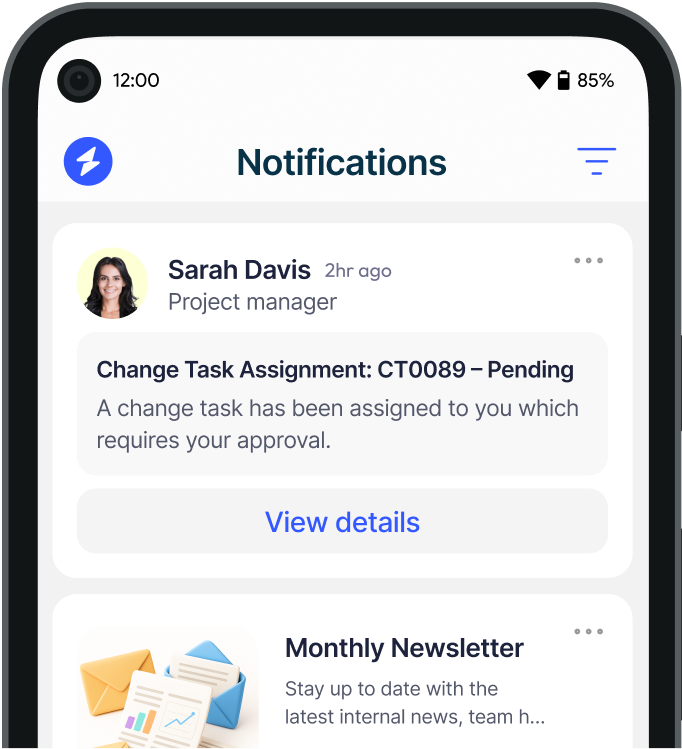
AI agents increasingly need a person to approve, reject or acknowledge an action before it proceeds. That makes the delivery layer more important, not less. If an approval request sits unseen in a chat channel, the agent stalls or proceeds without a decision. A human in the loop is only as reliable as the channel that reaches them.
The organisations tempted to build their own comms tool are often the same ones building agent workflows. Each workflow needs a dependable way to reach a named person, confirm who responded, record the decision and hand it back to the system. That is what an internal communications platform with acknowledgement tracking already does. Our guide to human in the loop AI explains the pattern, and we set out why Slack and email are not a human-in-the-loop strategy.
With Heed, agent platforms and workflow tools can trigger a request through the API or a webhook. The request arrives as a desktop alert over any open application, the response is tied to an authenticated individual through Active Directory, SSO and SAML, and the decision is returned to the workflow with a time-stamped record. Building that yourself means owning delivery and audit for your AI programme as well as your communications. See how it works for everyday sign-offs in Heed for approvals.
How much does internal communication software cost to build or buy?
Buying usually means a fixed subscription, priced by package and organisation size, with support and updates included. Building means an open-ended engineering cost: developer time for the build, then a share of one or more developers every year for maintenance, security fixes and support. For most organisations, the people cost of building is the larger number.
| Cost area | Build in-house with AI | Buy a platform such as Heed |
|---|---|---|
| Time to first message | Days for a prototype, months for production | Set up during a 14-day free trial; rollout depends on your internal processes |
| Desktop clients and OS updates | Your team, every release | Included |
| Delivery and acknowledgement tracking | Designed, built and tested by you | Included, with reporting |
| Active Directory, SSO and SAML | Built and maintained by you | Included |
| Security reviews | Your developers fix findings | Vendor responsibility; Heed is ISO 27001 certified |
| On-premises or data residency | Possible, at extra effort | On-premises deployment or regional cloud hosting |
| Human in the loop for AI agents | Another system to build | API and webhooks, with the decision returned to the workflow |
| Key-person risk | High | Low |
| Cost profile | Open-ended salaries and opportunity cost | Fixed, predictable subscription |
To run the numbers for your organisation, take the fully loaded annual cost of each engineer who would build and maintain the tool, multiply by the share of their time it will need and the years you expect to run it, then add security testing and opportunity cost. Set that figure against a subscription quote. Heed does not publish list prices, but its pricing page sets out what each package includes, and every account includes onboarding, IT support, a dedicated account manager and unlimited admin users.
What should a buyer's checklist for internal communications software include?
A buyer's checklist should cover reach, proof, identity, security and cost. Confirm which channels the platform supports, how it proves a message was read, how it connects to your directory, where your data is hosted and what is included in the subscription. The same list doubles as the scope of an in-house build, which makes the comparison fair.
- Channels: desktop alerts, tickers, screensavers and lock screens, email and newsletters, mobile app, SMS and digital signage.
- Proof: named, time-stamped acknowledgement, with reports you can export.
- Identity: Active Directory sync, SSO and SAML, and targeting by department, location or role.
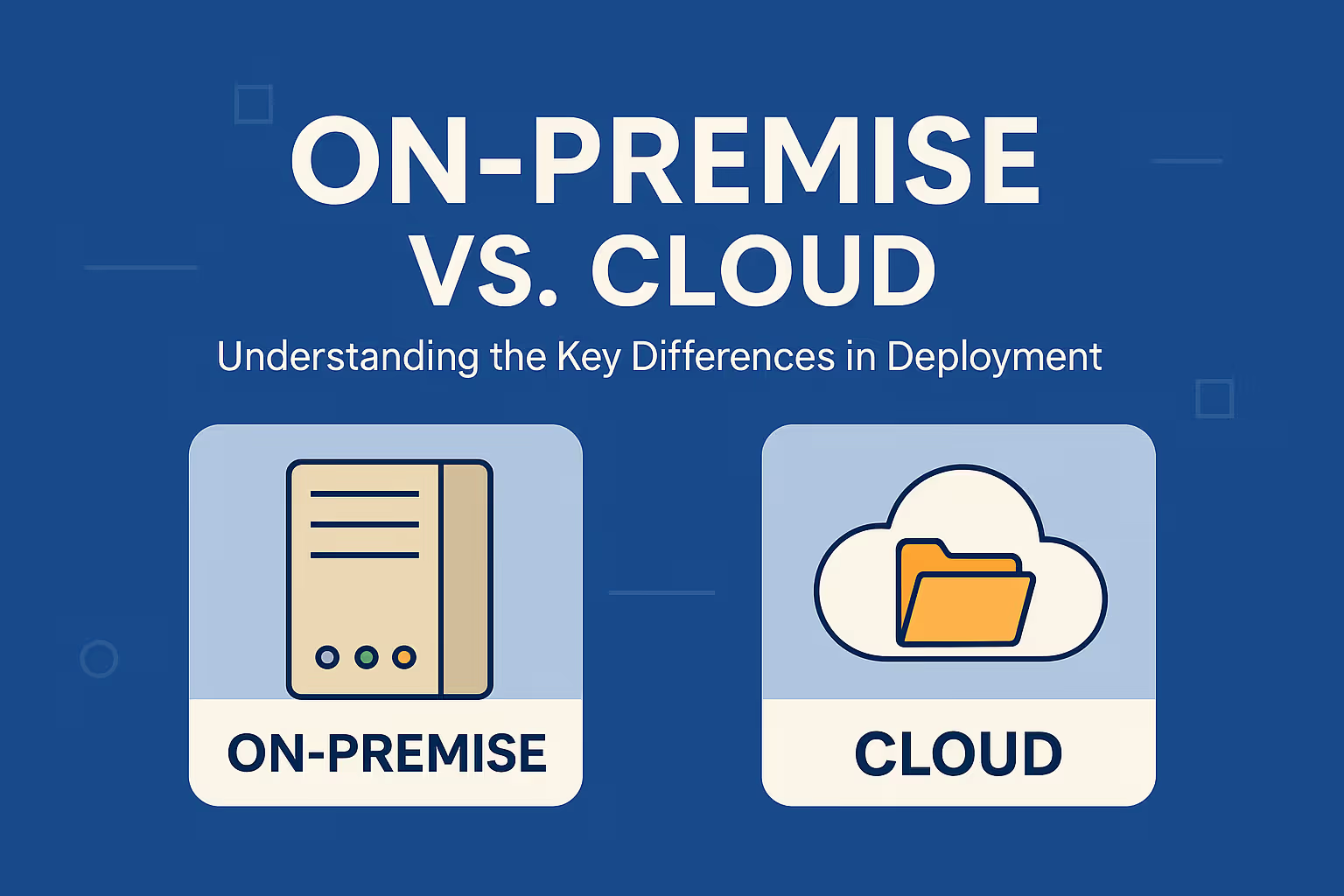
- Security: certification such as ISO 27001, encryption, and the choice of on-premises deployment or regional cloud hosting. Compare on-premises and cloud if you have not decided.
- Integrations: ITSM, monitoring and HR systems, plus an API and webhooks for your own workflows and AI agents.
- Cost: what the subscription includes, such as onboarding, support and updates, and what is charged separately.
For a wider view of the category, read what internal communication software is and how it supports an enterprise internal communications platform.
When does building make sense?
Building makes sense when the tool is unique to your business, when you have a permanent team to own it, or when your needs are small enough that a lightweight script will do. If you only send occasional messages to a few dozen people and need no proof of receipt, a full platform may be more than you need.
Build if most of the following are true:
- The capability is a competitive differentiator, not shared infrastructure.
- You have a funded team that will own it for its whole life, including security fixes.
- You do not need audit-grade acknowledgement, regulatory evidence or on-premises deployment.
- Your audience is small and your channels are limited.
Buy if your organisation is regulated, has thousands of endpoints, needs proof that messages were seen, or wants its engineers focused on products customers pay for. For most enterprises, internal communications falls into this second group.
Where Heed fits
Heed is all-in-one internal communication software that connects with and engages employees across desktop, mobile and digital signage. It includes desktop alerts, tickers, screensavers, lock screens and wallpapers, email and newsletters, surveys and a mobile app, with read and acknowledgement tracking. It supports Active Directory, SSO and SAML, integrates with tools such as ServiceNow, Splunk and Jira, holds ISO 27001 certification, and offers true on-premises deployment alongside regional cloud hosting.
As your organisation adopts AI agents, the same platform becomes the human in the loop layer: a dependable way to put a decision in front of the right person and record their answer.
Compare the real cost for your organisation. Book a demo and we will walk through your requirements and give you a tailored quote to set against your build estimate.