Amp Up Monitoring Efficiency: Heed + Splunk

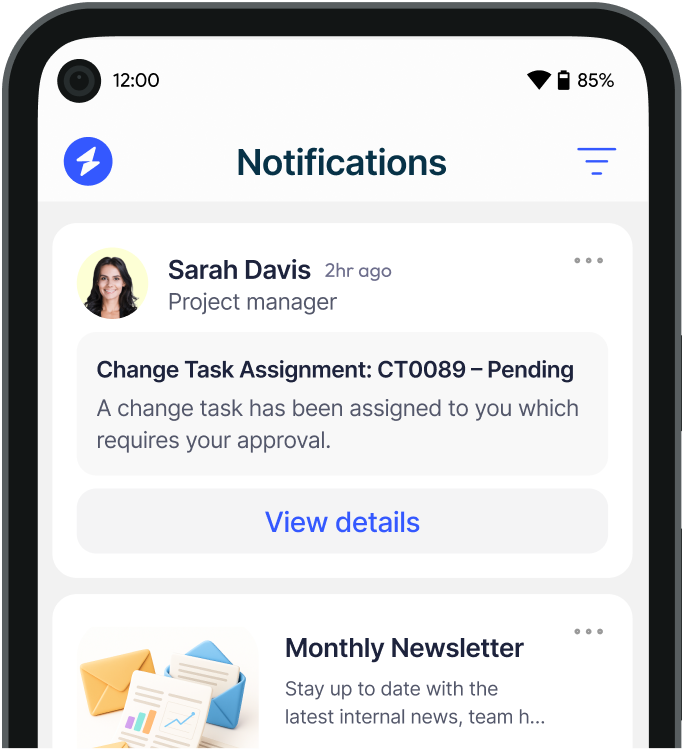
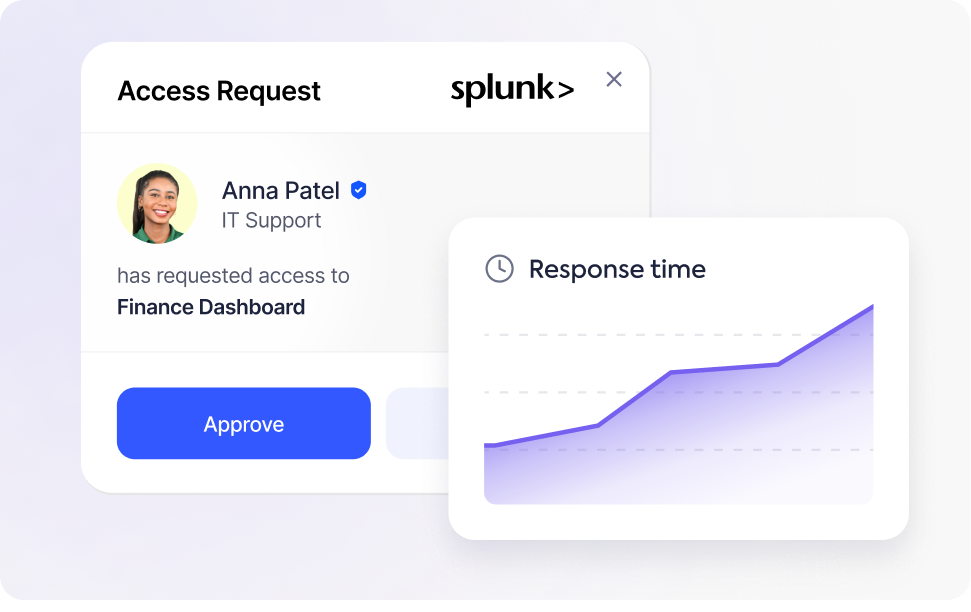
With the Heed + Splunk integration, teams get real-time desktop (and mobile) alerts for security events, system anomalies and performance issues. Instead of constantly scanning dashboards or drowning in emails, critical issues pop up where you’ll immediately see them. The Heed + Splunk integration can sharpen your monitoring workflows, reduce delayed responses and improve system performance.
Choose Us Image

Why Enterrises are using Heed for their Splunk Notifications

alarm fatigue badge

Reduce Alert Fatigue

Heed filters out noise by only pushing the alerts that really matter. Critical Splunk alerts go straight to your desktop or phone so your team isn’t distracted by minor or irrelevant updates.

warning badge

Faster Incident Response

Because alerts are real-time, you can act immediately when something goes wrong — whether it's a performance degradation, anomaly, or a security event. That means less downtime and better system reliability.

direction badge

Centralized Alert Management

All key Splunk alerts funnel into a single hub via Heed. Rather than juggling multiple tools or panels, your team sees what needs attention in one place. Prioritisation becomes easier and workflows smoother.

configurable badge

Customisable Alerts

You can set thresholds, decide what counts as “action required,” and tune what comes through. This means fewer interruptions and more meaningful notifications.

stateful badge

Stateful Notifications

Once an issue is resolved, the corresponding alert is retracted. That helps prevent clutter and ensures you only see active problems. It also removes duplicate notifications if a group of people is alerted and one person handles it.

Desktop Alert User

Who Will Benefit Most

  • Arrow Icon IT Operations & DevOps Teams needing timely detection and response to system anomalies or security issues.
  • Arrow Icon Security Teams who must react quickly to threats, incidents, and operational risks.
  • Arrow Icon System Reliability Engineers monitoring performance, uptime, and infrastructure availability.
  • Arrow Icon Managers and Decision-Makers focused on meeting SLAs, minimizing downtime, and maintaining service continuity.
Icon

FAQ

Common Questions

Everything you need to know about integrations.

Contact Us

How does the Splunk integration with Heed work?
Faq Icon
What types of Splunk alerts can be sent through Heed?
Faq Icon
Can Heed reduce alert fatigue from Splunk notifications?
Faq Icon
How are Splunk desktop alerts delivered to users?
Faq Icon
Why use Heed with Splunk instead of email alerts alone?
Faq Icon
Trusted by leading enterprise organisations
Brand LogoBrand LogoBrand LogoBrand LogoBrand Logo

Let's have a chat

Talk to use about keeping your employees informed, engaged and inspired - book a call today!

Book a Call

Cta Image