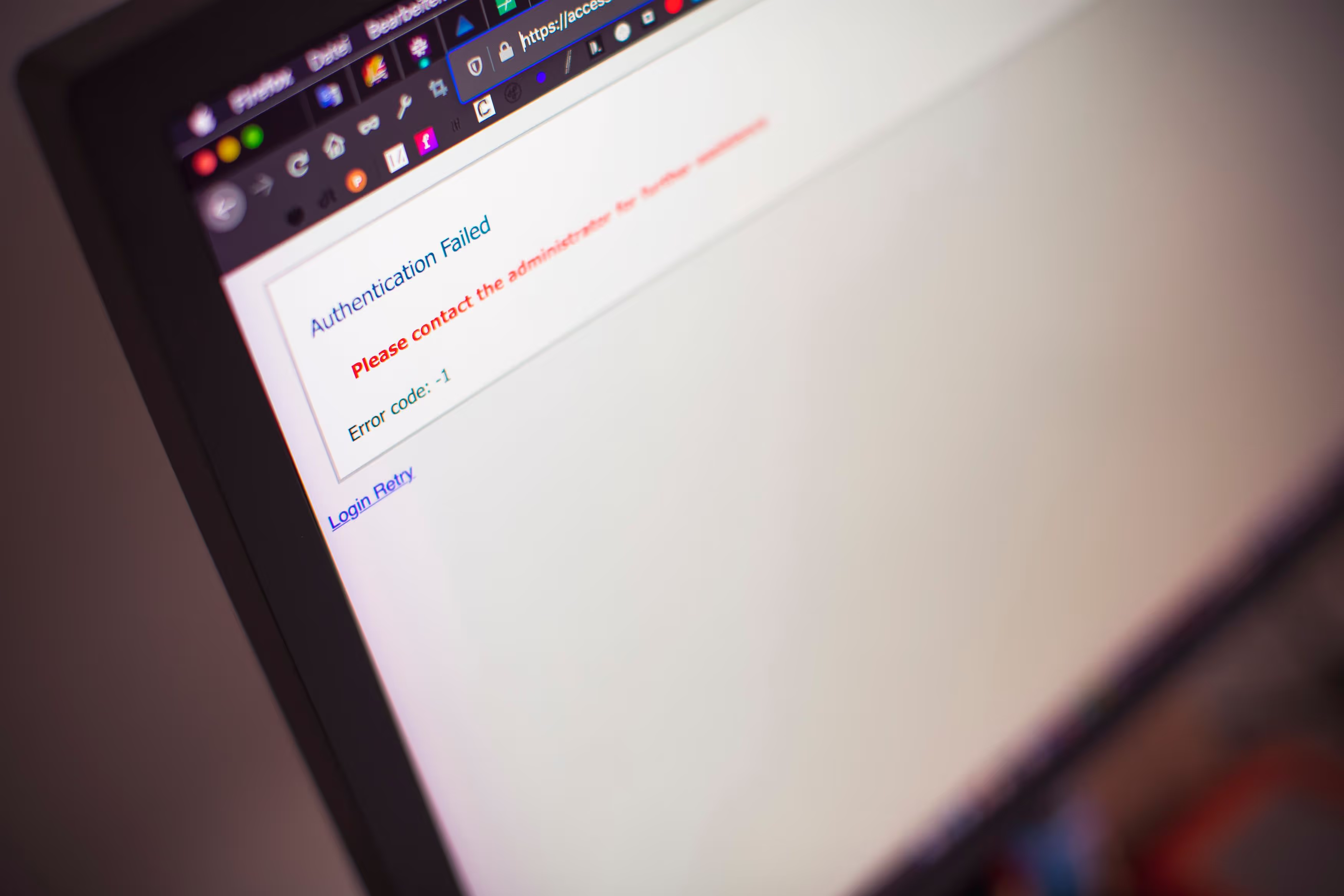

The Microsoft 365 outage that began on 12 November 2026 cut off workplace email for organisations in more than 70 countries. Users started reporting that Outlook was unreachable at around 16:00 GMT on Thursday. Roughly an hour later, Downdetector was receiving reports from 74 countries and territories. On Friday morning, hospitals, councils and businesses were still working without email, and public bodies were asking people to phone instead.
This post reflects what Microsoft and news reports had confirmed as of 13 November 2026. It covers what happened and what it exposed, and sets out what IT and communications teams can put in place before the next outage.
At a Glance
- The outage started in Exchange Online and spread to features of other Microsoft 365 services that depend on it, including Teams and Copilot.
- Microsoft has said there is no indication of a cyber attack. As of 13 November, it has not confirmed a final root cause.
- Email was unavailable and Teams was only partly reliable, so organisations that coordinate incidents through Microsoft 365 had no dependable channel when they needed one.
- A notification channel that does not depend on Microsoft 365, with acknowledgement tracking, closes that gap.
Table of Contents
What happened during the Microsoft 365 outage?
The disruption began in Exchange Online, Microsoft's cloud email platform. Microsoft records the incident as starting at 16:17 UTC on 12 November. Users could not reach their mailboxes through any connection method. Features of Teams, Copilot and other Microsoft 365 services that depend on Exchange were then affected, and the outage ran into a second day.
Microsoft tracked the Exchange Online mailbox issue as incident EX1550543 and the wider Microsoft 365 incident as MO1550821. A published timeline of Microsoft's incident updates records the impact from 16:17 UTC, a little after the first user reports. According to SecurityWeek, Microsoft said that features of many services that interact with Exchange Online were affected, while the parts that do not depend on it kept working. In Teams, calendar and meeting scheduling could fail, while Microsoft described core messaging and online meetings as largely functional. That detail matters. Teams did not fail outright. It became partly unreliable because it leans on a service that had failed.
Recovery was slow. More than 12 hours in, Microsoft reported only marginal success in restoring its most widely used services. By Friday morning, it was reporting early stabilisation and capacity improvements as recovery continued.
What caused the outage?
Microsoft has said there is no indication of malicious activity but, as of 13 November, has not confirmed a final root cause. Its explanation has changed over the course of the incident. Its most recent updates point to an overwhelmed secure-connection process and a network configuration change. Microsoft has said it will publish a post-incident report.
The same timeline of status updates shows how the explanation moved from load, to unavailable servers, to failed health checks, to an overwhelmed secure-connection process. Microsoft also began reverting a recent network configuration change. It has said that change correlates with the start of the impact, which is not the same as confirming it as the cause.
This is also not an isolated event. An earlier Microsoft 365 outage ran from 31 August to 3 September 2026, which Microsoft attributed to a core authentication configuration problem affecting Exchange Online and parts of Copilot, OneDrive and SharePoint.
Who was affected in the UK?
UK public services were hit hard, healthcare in particular. NHS trusts, GP surgeries, pharmacies and councils reported problems with email on Friday, and police forces said online crime reporting was affected. Several trusts asked patients to phone them directly and to keep attending planned appointments, while government engineers worked with Microsoft to assess the impact.
NHS staff were unable to open their email when they started work on Friday, which hampered care in hospitals and GP surgeries. Pharmacies said the outage was disrupting their communication with some GP surgeries about prescriptions, and the Welsh government put contingency plans in place. In the South East, NHS trusts across Surrey, Sussex and Kent urged patients to contact them by phone.
Why did so many organisations struggle to communicate internally?
Most organisations run email, chat, meetings and intranet pages through the same provider. When that provider has a fault, the channels degrade together. Email cannot announce that email is down, and a chat tool with failing calendars and scheduling is a weak substitute. The incident communication plan is left without a channel it can rely on.
Microsoft's own description shows the problem: services that interact with Exchange were affected, and only the parts that did not depend on it kept working. Plenty of continuity plans still say "if Teams fails, send an email", or the reverse. During this outage, email was not available as a fallback, and Teams was only partly dependable. Our earlier guide to out-of-band internal communications explains why two channels on one platform do not give you resilience.
Without a sanctioned channel, staff fall back on personal mobile numbers, WhatsApp groups and word of mouth. None of these is targeted or auditable, and none confirms that a message has been read.
What should IT teams do in the first hour of a cloud outage?
Confirm the scope, then tell staff through a channel that does not depend on the affected service. Say what is affected, what still works and when the next update is due. Then track who has acknowledged the message. One clear update in the first fifteen minutes helps to head off duplicate tickets and calls.
In practice, the first hour should cover five things:
- Confirm scope. Check the incidents in the Microsoft 365 admin centre (here, EX1550543 and MO1550821) and your own monitoring.
- Notify through an independent channel. Use desktop alerts, SMS or mobile push that do not route through Exchange or Teams.
- Give workarounds. Name the phone lines, systems and processes that still work.
- Set an update rhythm. Commit to the time of the next update, even if nothing has changed.
- Track acknowledgement. Find out which teams and sites have not seen the message, and follow up with them directly.
Our incident response communication guide and crisis communication plan cover these steps in more detail.
How does Heed help when Microsoft 365 is down?
Heed reaches employees through its own channels: desktop alerts, scrolling tickers, lock screens, screensavers, digital signage, SMS and a mobile app. Its delivery does not route through Exchange Online or Teams, so a Microsoft 365 outage does not stop IT from reaching employee screens and confirming who has read the message.
The features that matter most in an outage like this one:
- Desktop alerts appear on employee screens through an installed agent. Staff do not need to check an inbox or open Teams to see them.
- Acknowledgement tracking shows in real time who has confirmed receipt, by team, site or region. That gives incident managers an audit trail rather than an assumption.
- On-premises deployment runs Heed on servers you control. Regional cloud hosting options are also available for organisations that prefer the cloud.
- ServiceNow and Kafka integrations can trigger outage notifications automatically, for example from a major incident record or a monitoring event. Communications start while engineers are still working on the fault.
- Pre-approved templates mean the first update goes out in minutes, without anyone drafting copy under pressure.
One practical point applies to any fallback tool. Check that its sign-in path does not depend on the service you are planning around. If your administrators cannot log in to send the alert, the channel is not independent. See how Heed supports major incident management and IT outage notifications.
The lesson from November 2026
The question was never whether a major cloud provider would have a bad day. The question is whether your organisation can still reach its people when it does. The organisations best placed for the next outage will have two things in place: a channel that does not depend on Microsoft 365, and a plan that says who will use it.
Book a demo to see how Heed keeps employees informed when your primary tools are down.