
Desktop alert software that puts urgent messages on every employee screen, over any open application, with acknowledgement tracking and a full audit trail.
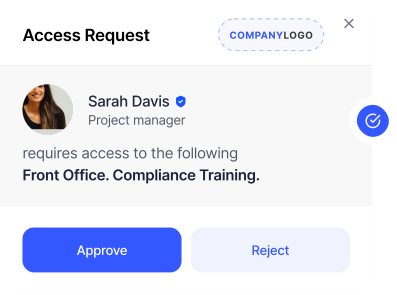


Desktop alert software sends pop-up messages from a central console to employee computers. The alert appears over whatever application is open, so it is seen within seconds rather than left in an inbox. Heed's desktop alert software targets alerts by group, tracks who has read and acknowledged each one, and keeps an audit trail.


Desktop alerts are pop-up notifications that appear directly on employee screens - above all other open applications - ensuring your most important messages are seen the moment they're sent. Unlike email or instant messaging, there's no inbox to check and no notification badge to overlook.
For high-priority messages, acknowledgement can be required before the alert is dismissed - giving you a complete audit trail of who received and confirmed your communication.
What are Desktop Alerts?
.svg)
Choose the format that matches the urgency. A standard card appears in the corner of the screen, top right on Windows and top left on macOS. A centre-screen card carries higher-priority updates and can span multiple monitors.
Full-screen alerts take over the display for emergencies such as a fire evacuation, and ticker messages scroll quietly for low-priority news. Every format carries your logo, colours and fonts.
Try the Template Builder
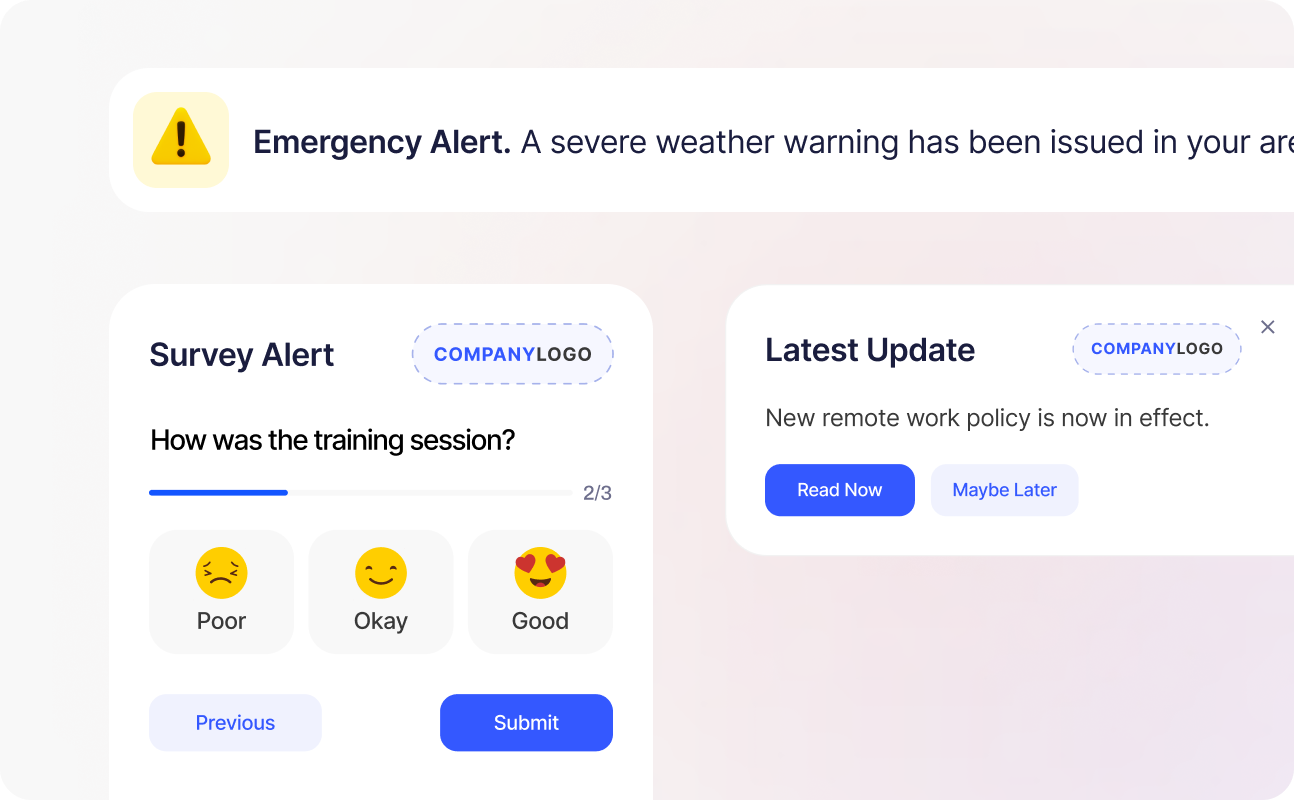
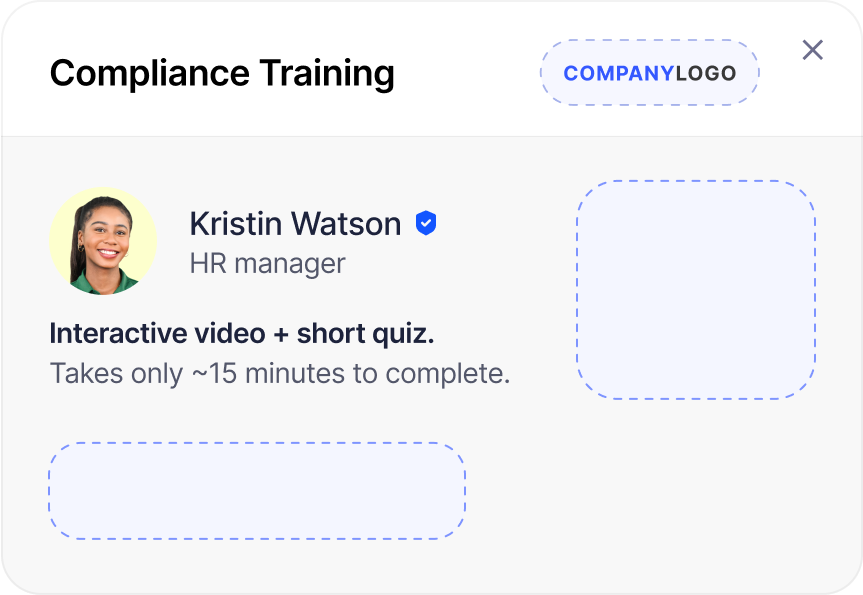



Text-only alerts get ignored. Heed desktop notifications support rich content - embed images, video, hyperlinks, and action buttons directly within the alert to make messages more compelling and easier to act on.
Delivery and engagement data is tracked automatically, showing who opened the alert, who clicked through, and who acknowledged receipt - so you can measure impact and refine your approach over time.
The right desktop alert software gets every urgent message seen, proves who read it, and fits your security and IT policies. Compare products on these six points.


.svg)
Internal Communications

Share engaging video messages to deliver updates, explain changes, or support quick training.
Explore More
.png)

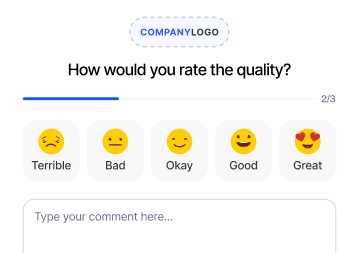

Collect instant feedback with on-screen surveys, making it easy to capture opinions, measure engagement, and gather insights in real time.
Discover More

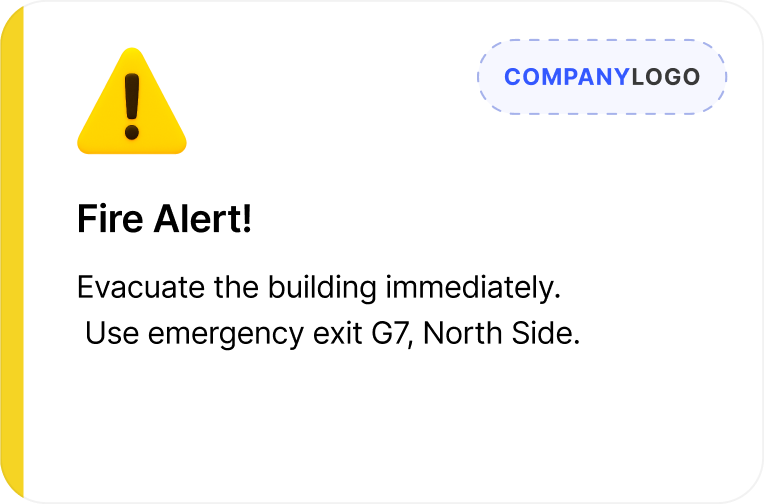

Display critical messages for immediate attention, ensuring employees are instantly aware of safety issues, or important instructions.
Show Me
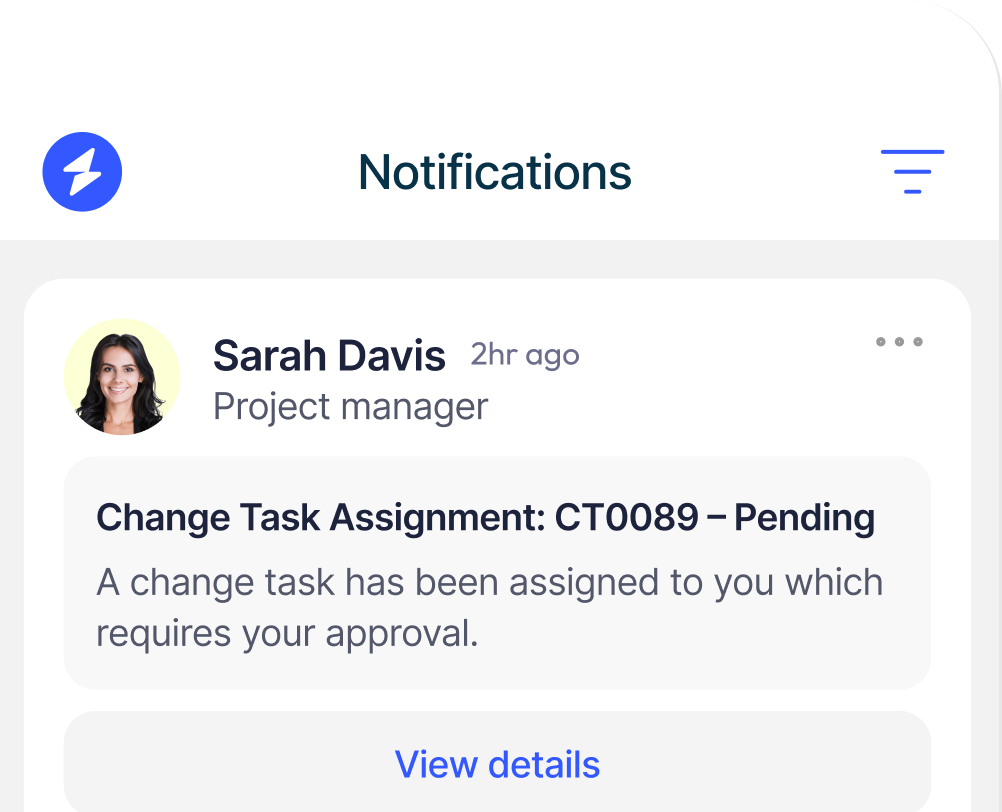
Reach large groups with important updates, ensuring consistent communication across departments, locations, or the entire organisation.
Find Out More

Learn More

Learn More

Learn More
FAQ
Everything you need to know about desktop alert software, from how it works to how it is deployed across your organisation.


Read More

Read More

Read More




Talk to us about keeping your employees informed, engaged and inspired - book a call today!
Book a Call
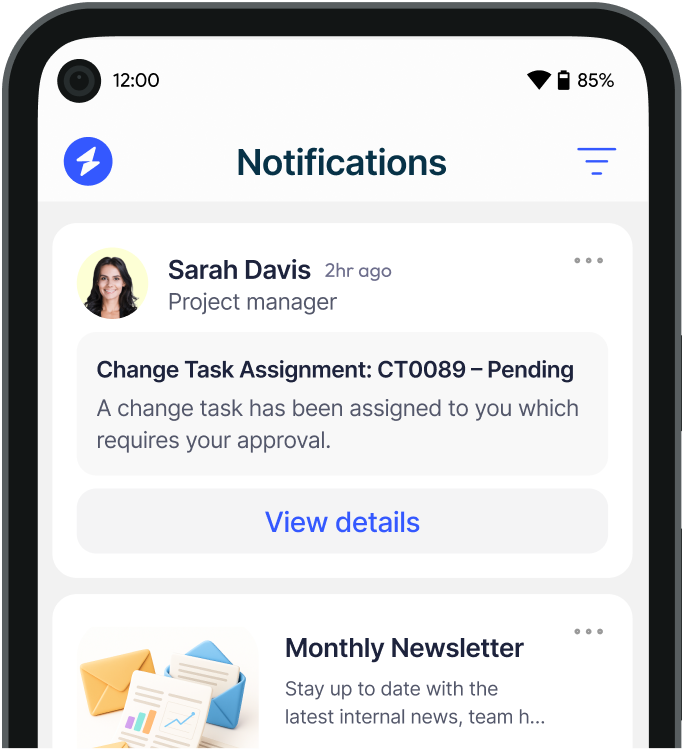
Proudly connecting teams worldwide, enhancing communication, and boosting employee engagement for a unified workforce.
.svg)
.svg)
© Heed 2026 - All Rights Reserved


.avif)