A major incident management communication template gives your IT team the words before the incident starts. When a core system fails, the service desk is flooded, employees invent their own workarounds and leadership asks for updates every few minutes. This page gives you ready-to-copy templates for each stage, from declaring the incident to the post-incident summary, plus the system outage email and notification templates your staff will actually see. For the wider plan these messages sit in, see our crisis communication plan guide.
A major incident management communication template is a pre-approved message, with gaps for the facts, that IT and operations teams send when a high-impact incident is declared. It sets the structure, tone and audience in advance, so the people managing the incident make decisions about content, not wording, while services are down.
A major incident is the highest category of incident in most IT service management processes: an outage or degradation with significant business impact that needs a dedicated response, its own manager and faster communication than normal incidents. Templates matter because the first message is usually written by someone who is also trying to fix the problem. For the phases of incident communication in more depth, read our incident response communication guide.
Every major incident message should state what is affected, who is affected, what people should do now, what is being done, and when the next update will arrive. It should also carry an incident reference and a single contact route, so staff stop raising duplicate tickets with the service desk.
A major incident needs at least four audiences: the resolver team, affected employees, the service desk, and leadership. Each needs a different message. Resolvers need technical detail, staff need instructions and a workaround, the service desk needs a script, and leadership needs business impact and the expected time to restore.
| Audience | What they need | Template |
|---|---|---|
| Major incident team and resolvers | Technical scope, bridge details, roles | 1 |
| Affected employees | What is down, workaround, next update | 2, 3, 4, 5 |
| Service desk | A consistent script and the incident reference | 2 (shared internally) |
| Leadership and business owners | Business impact, risk, expected restore time | 6 |
| Everyone affected, at the end | Confirmation of restore, any follow-up actions | 7, 8 |
Replace everything in [square brackets]. Keep each message short: people read the first two lines of an alert, so put the impact and the instruction there.
Send as soon as the incident is declared. Audience: resolver groups, major incident manager, service owners, duty manager.
Subject: MAJOR INCIDENT [P1] [MI-reference]: [Service] unavailable
A major incident has been declared at [time] for [service].
Impact: [what is not working] for [users, sites or regions].
Major incident manager: [name, contact].
Bridge: [conference link or number], open now.
Required: [resolver groups] to join the bridge immediately.
Next update: [time].
Send to affected staff within the first few minutes. Only use email if email itself is unaffected.
Subject: [Service] is currently unavailable: please do not raise a ticket
Dear colleagues,
Since [time], [service] has been unavailable for [who is affected]. Our IT team is aware and is working to restore it.
What you should do: [workaround, for example 'use the web version at ...' or 'record orders on paper and enter them later'].
There is no need to contact the service desk about this issue. We will update you by [time], or sooner if the service is restored.
Reference: [MI-reference]
[IT Service Desk]
Short form for a pop-up alert, lock screen or ticker. Ask for acknowledgement if staff must act.
Title: [Service] outage: IT is working on it
[Service] is unavailable for [who] since [time]. [Workaround in one line]. Please do not call the service desk. Next update at [time]. Ref [MI-reference].
Under 160 characters, for staff away from their desks or when the network is affected.
IT ALERT: [Service] down at [site] since [time]. [Workaround]. Next update [time]. Ref [MI-ref].
Send at the agreed interval, even when nothing has changed.
Subject: UPDATE [number] [MI-reference]: [Service] outage
Current status: [still unavailable / partially restored / restored for some users].
What we are doing: [one or two sentences, no speculation about cause].
What you should do: [unchanged workaround, or new instruction].
Estimated restore time: [time, or 'not yet known'].
Next update: [time].
For executives and business owners. Lead with business impact, not technical detail.
Subject: Major incident briefing [MI-reference]: [Service], [time]
Business impact: [processes stopped, customers affected, deadlines at risk].
Scope: [number of users, sites, regions].
Duration so far: [hours and minutes].
Response: [who is engaged, including suppliers].
Expected restore: [time and confidence level].
Decisions needed: [for example, invoke business continuity plan, customer communication].
Next briefing: [time].
Send to everyone who received the original notification.
Subject: RESOLVED [MI-reference]: [Service] restored
[Service] was restored at [time] and is working normally.
What you may need to do: [restart the application / resubmit work entered after (time) / no action needed].
If you still have problems, contact [service desk route] quoting [MI-reference].
Thank you for your patience while we resolved this.
Send within a few working days, once the review is complete. Keep the employee version short.
Subject: Summary of the [date] [service] outage
What happened: [plain-language description, date and duration].
Cause: [root cause, as far as it is known].
How it was fixed: [restoration steps].
What we are changing: [preventive actions and dates].
What you need to do: [usually nothing].
Send updates at a fixed, published interval for the whole incident, even when there is no new information. Many IT teams agree a cadence by priority, such as every 30 minutes for a critical outage and every hour for a high-priority one. Stating the time of the next update is what stops repeated calls.
| Priority | Example staff update interval | Example leadership update interval |
|---|---|---|
| P1 (critical, major incident) | Every 30 minutes | Every 30 to 60 minutes |
| P2 (high) | Every 60 minutes | Every 2 hours |
| P3 (moderate) | At key milestones | At resolution |
These intervals are examples to adapt, not a standard. Agree them with your service owners in advance, write them into your major incident process, and include the next update time in every message.
Use a channel that does not depend on the failed system. If email, Microsoft 365 or the network is down, an outage email will not arrive. Desktop alerts delivered by a separate client, SMS, mobile push and digital signage reach people independently, and acknowledgement tracking shows who has actually seen the message.
The risk is greatest when the incident hits the tools people normally rely on: email, Microsoft Teams or the network itself. We cover this problem in detail in what happens when the channel you use to report outages is the outage. In practice, most organisations combine a desktop alert for logged-in staff, SMS notifications for people on the move, and a corporate lock screen message for anyone who logs in later.
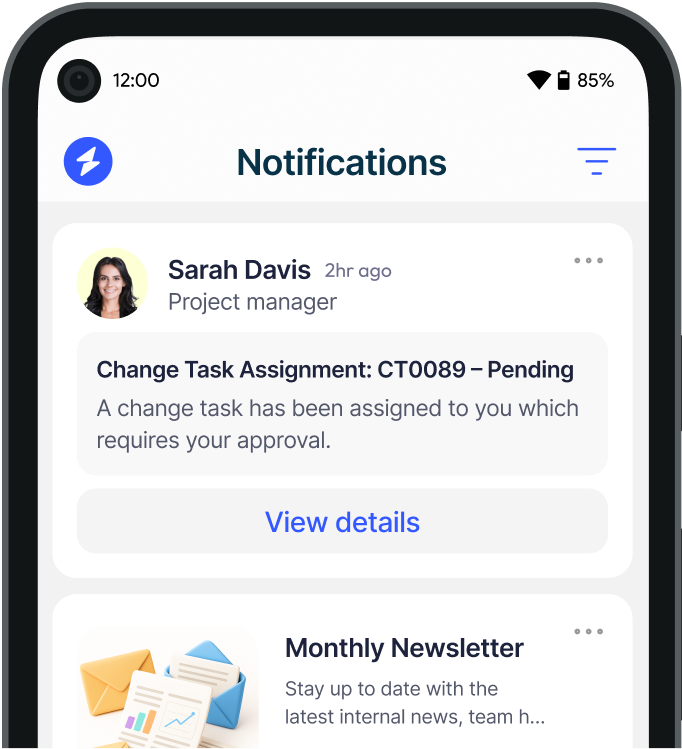
Templates only help if they can be sent in seconds. Heed for major incident management lets incident managers trigger pre-built alert templates instantly across desktop, mobile, SMS, lock screen and digital signage, and target them by department, location or Active Directory group. Acknowledgement tracking confirms who has seen each message.
Heed integrates with ServiceNow and monitoring platforms, so incident alerts can be triggered automatically from ITSM events. It is available as a true on-premises deployment or in the cloud, and Heed is ISO 27001 certified. See how an enterprise bank automated major incident communications in our banking case study, or read more about IT outage notification software.
Want to see your templates as live alerts? Book a demo and we will show you how a major incident message reaches every employee, even when email is down.
See how Heed streamlines internal communication across desktop, mobile, and shared screens - so every message gets noticed.
We’ll walk you through creating, targeting, and tracking notifications in real time, tailored to your organisation’s goals.
Schedule a Demo
See how Heed works across your channels, sites and shifts, and get answers to the questions specific to your industry and team size.
Schedule a Demo


Talk to us about keeping your employees informed, engaged and inspired - book a call today!
Book a Call
Proudly connecting teams worldwide, enhancing communication, and boosting employee engagement for a unified workforce.


© Heed 2026 - All Rights Reserved